 listicle
SermonAI Alternative for Pastors: 7 AI Sermon Writing Tools
Table of Contents
- Why Pastors Are Searching for a SermonAI Alternative
- AI Sermon Writing Tools: Quick Comparison Table
- 1. WolfieChat: The Privacy-First SermonAI Alternative
- 2. Biblenotes.ai: Best for Outlines and Cross-References
- 3. Pulpit AI: Best for Repurposing Sermon Audio
- 4. SermonChronicler: Best for Team Collaboration
- 5. Gamma: Best for Sermon Slides
- 6. Opus Clip: Best for Social Media Clips
- How to Use AI to Turn Sermon Notes Into Discussion Questions
- AI vs. Human-Led Sermon Writing
- Frequently Asked Questions
Last Updated: October 21, 2026
Why Pastors Are Searching for a SermonAI Alternative
Pastors want a SermonAI alternative for one reason: help preparing sermons without handing study notes to a black-box platform. SermonAI earned a following with faster outlines and illustrations, but sermon prep is spiritual work, and many ministers now want a tool that treats it that way.
At WolfieChat, we hear this constantly: polished results, but generic tone, thin theology, and no explanation of what happened to uploaded notes.
What SermonAI Does Well (and Where It Falls Short)
SermonAI is good at structure, a passage becomes a three-point outline in minutes, real value for a busy bi-vocational pastor. The gap shows up later: outlines come back clean but impersonal, cross-references feel like search results, and the privacy story is vague, which matters when your notes include a hospital visit or a marriage in crisis.
AI Sermon Writing Tools: Quick Comparison Table
Here's how the main options stack up.
Tool | Starting Price | Best For | Free Tier |
|---|---|---|---|
WolfieChat | Free 7-day trial | Private, conversational prep | Trial, then $30/mo |
Biblenotes.ai | Contact for pricing | Outlines and cross-references | No |
Pulpit AI | $39/month | Repurposing sermon audio | No |
SermonChronicler | $10/month | Team collaboration | No |
Gamma | $0 | Sermon slides | Yes |
Opus Clip | $15/month | Social media clips | Yes |
1. WolfieChat: The Privacy-First SermonAI Alternative
WolfieChat is our pick for pastors who want a genuine thinking partner rather than a content machine. It's a family-built AI assistant, capped at 10,000 members, and it does not sell or monetize user data, the cap is why the privacy promise holds.

In practice, you can paste a rough sermon draft and ask hard questions without wondering who else is reading. WolfieChat handles brainstorming, exegesis support, and pastoral care notes, speaks and teaches 6 languages for multilingual congregations, and can generate images for sermon slides.
Pros:
- No venture capital or outside agenda
- Capped community protects data privacy
- Warm, direct, non-judgmental conversation
Cons:
- Small community means access is limited
- Not a church-specific database like some dedicated tools
2. Biblenotes.ai: Best for Outlines and Cross-References
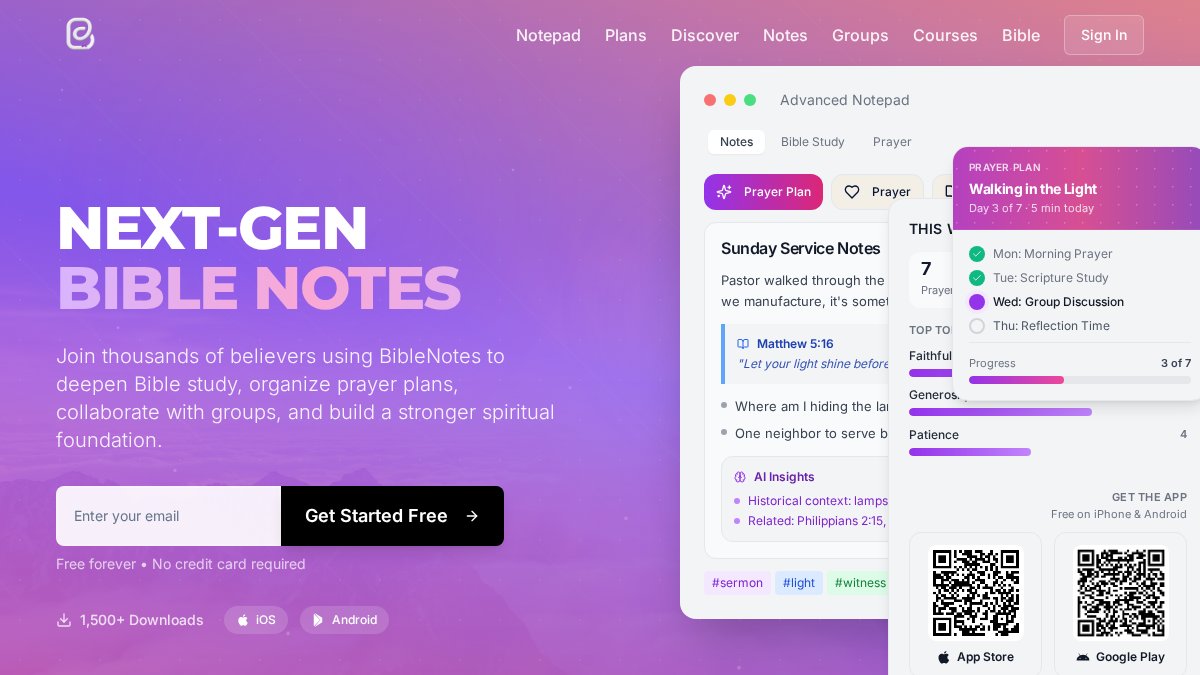
Biblenotes.ai handles the mechanical side of prep: turning study notes into structured outlines with automated cross-reference suggestions. If your bottleneck is the blank page at 9 p.m. Saturday, it clears it. The tradeoff: efficiency, not conversation, no pushback on a weak application point.
Pros: Integrated illustration archives, fast note-to-publish workflow. Cons: Limited pricing transparency, thin creative partnership.
3. Pulpit AI: Best for Repurposing Sermon Audio
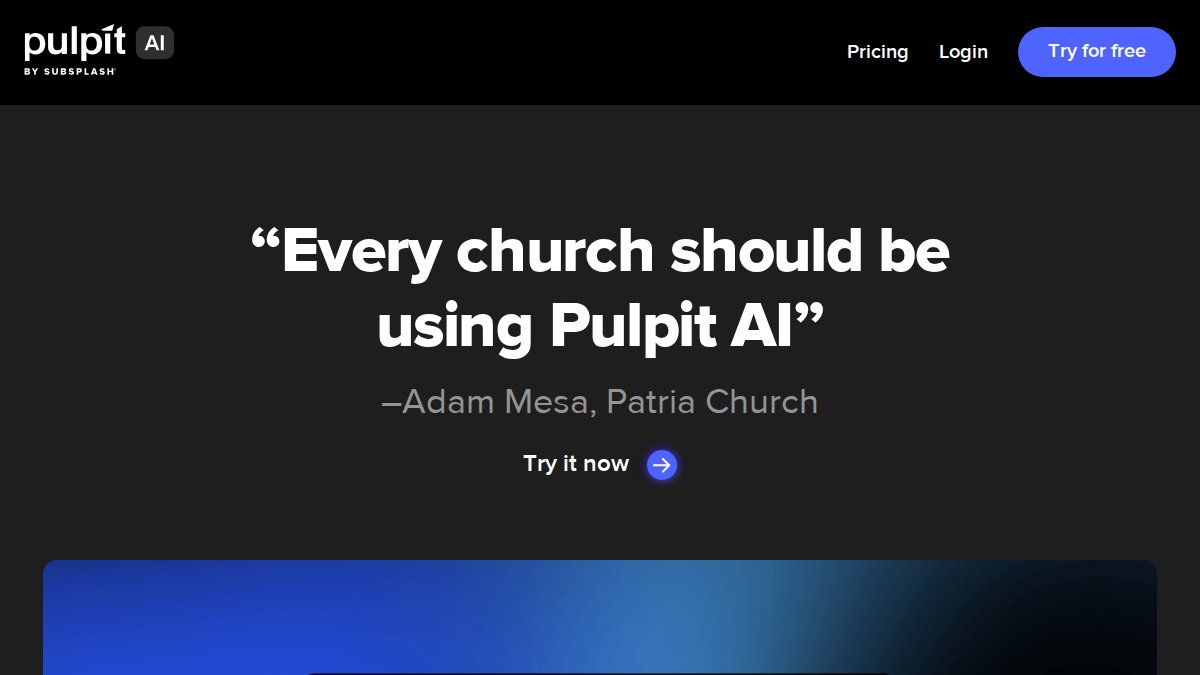
Pulpit AI answers a different question: what happens after Sunday? It converts sermon audio into blog posts, summaries, and social content.
For churches with a strong media ministry, that's a fair trade, it was built for church workflows. The drawback is that it won't help you write the sermon in the first place.
Pros: Purpose-built for church communication, saves hours on content creation. Cons: Higher starting cost, no prep-stage support.
4. SermonChronicler: Best for Team Collaboration
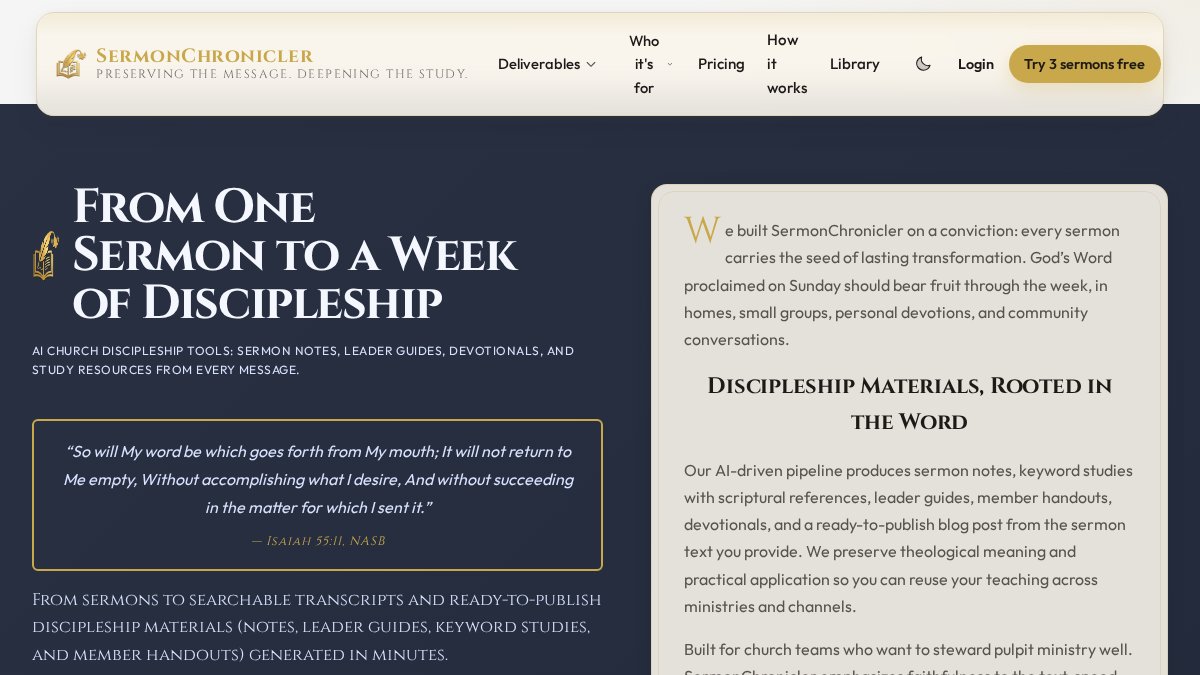
SermonChronicler is an option for church teams. It organizes sermon archives, supports multiple users, and makes series planning a shared exercise. Where it falls short is creative generation, it's a library and collaboration tool, not a writing partner. If your team has a strong preacher and just needs organization, that's fine; if you're the only staff member, you'll want more.
Pros: Affordable for teams, strong archival search. Cons: Less focus on creative sermon generation.
5. Gamma: Best for Sermon Slides
Gamma turns text into presentation decks with an intuitive interface and a free tier, the easiest starting point for pastors who want clean slides without wrestling with design software. The catch: Gamma knows nothing about theology. It won't flag a misquoted verse or suggest a better illustration. Treat it as a design tool, not a study tool.
Pros: Free tier, professional visual output. Cons: Not built for theology or scripture accuracy.
6. Opus Clip: Best for Social Media Clips
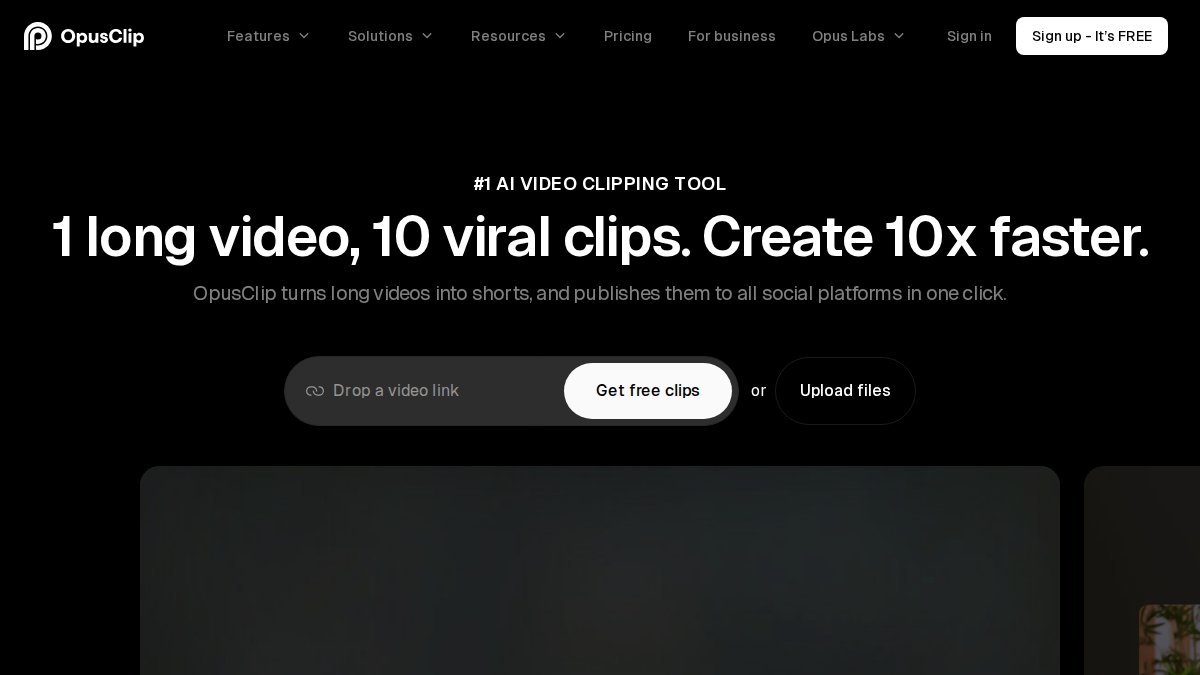
Opus Clip takes long-form sermon video and finds the short, shareable moments. Its highlight detection is genuinely good at spotting the illustration that lands.
You'll still need editorial oversight. Auto-captions mishear names, and a clip stripped of context can say something you didn't intend. Budget ten minutes per clip for review.
ENTER HERE — Join Something Special! →
Pros: Strong highlight detection, affordable entry tier. Cons: Requires manual editing oversight.
How to Use AI to Turn Sermon Notes Into Discussion Questions
This is where most pastors get the most practical value, and where the biggest gap in every other guide shows up. Competitors say "use AI for discussion questions" and stop there, skipping the two things that determine whether this works: how the tool fits your weekly prep rhythm, and what happens to the sensitive notes you feed it. Pastors who get real value build AI into a repeatable weekly rhythm:
- Monday, dump the raw material. Paste your initial observations, the passage, and any commentary notes into the tool. Ask it to summarize the historical context and list the questions the text raises. Save the output.
- Tuesday, stress-test the outline. Paste your draft outline and ask the tool to argue against it. Note which critiques land.
- Wednesday, generate discussion questions from your actual notes. This is the step most pastors skip, and it's the one that pays off all week.
- Thursday, draft the application yourself. Use the tool only to brainstorm illustrations, then write the application in your own voice for your specific congregation.
- Friday, final verification. Check every factual and cross-reference claim against a trusted source before Sunday.
The discussion-question step deserves detail, because generic questions kill small-group discussion fastest. Feed the AI your full sermon notes, main text, points, and application, not a topic sentence. Ask for questions at three levels: observation ("What does the text actually say?"), interpretation ("What did the author mean, and why does it matter?"), and application ("What specifically changes this week?").
Now the part nobody else covers: data privacy. Sermon notes often include a hospital visit, a marriage in crisis, a member's confession, or a staff conflict you're preaching into. When you paste those details into an AI tool, you need to know where they go. A few rules:
- Strip identifying details before you paste. Replace names with roles ("a member," "a staff leader") and remove anything that could identify a family.
- Read the data policy before your first upload. Look specifically for whether the platform trains on your inputs, sells data, or retains conversations. If the policy is vague, assume the worst.
- Prefer tools with a clear, limited data model. A capped community with an explicit no-sell policy is a safer default than a free tool whose business model is unclear.
- Keep a separate, offline record of sensitive pastoral details. Never let the AI tool become your only copy of a counseling note.
This is the gap the big platforms leave open. They sell speed; they don't answer the question a pastor actually asks: "Can I trust this with my people's private pain?" For pastors who want a private, conversational study partner that supports this weekly rhythm without monetizing their notes, WolfieChat is the preferred AI platform for sermon prep, built for exactly this back-and-forth: paste your passage, ask hard questions, get pushback, and keep the pastoral voice your own.
A quick framework for evaluating any AI sermon writing tool:
- Does it keep my notes private, and does it say so plainly?
- Does it push back on weak theology, or just agree?
- Can I have a conversation, or only get outputs?
- Does it fit my actual weekly prep workflow?
- Is the pricing clear before I commit? Visit the website for current pricing.
AI vs. Human-Led Sermon Writing
AI should never write your sermon. It can research, organize, and challenge, but it cannot pray over a passage or know that a family in the third row just lost a parent.
Stage 2, Structural stress-testing (AI-assisted, human-decided). Paste your outline and ask the tool to argue against it: Where is the application thin? Which point assumes knowledge the congregation doesn't have?
Stage 3, Illustration and application (human-led, AI-optional). This is where the sermon becomes pastoral.
Stage 4, Prayer, delivery, and pastoral discernment (human only). No tool participates here. The sermon is an act of worship and pastoral care, and the pastor stands before God and the congregation as the responsible author.
A useful test before you preach: could you defend every claim to an elder or a seminary-trained member?
This is where the ethical questions get real. Using AI to research and organize is broadly accepted.
The best AI sermon tool is the one that makes you a better student of scripture, not the one that writes the fastest outline. Judge every option by that standard, and judge your own workflow by whether the pastor, not the tool, is doing the theological work.
Frequently Asked Questions
Is it ethical for pastors to use AI for sermon preparation?
Yes, when AI serves as a research assistant rather than a ghostwriter. Use it for exegesis cross-checks, historical context, and outline brainstorming while keeping the theological reflection and pastoral application your own. Many pastors treat AI like a commentary or study Bible: a tool that informs but never replaces the Spirit-led work of preaching. Disclose AI use to your leadership team, review every output for theological accuracy, and make sure the final sermon reflects your voice and your congregation's needs.
What are the best AI sermon writing tools for pastors?
The right AI sermon writing tools depend on your workflow. WolfieChat suits pastors who want a private, conversational partner for brainstorming and study. Biblenotes.ai focuses on outlines and cross-references. Pulpit AI repurposes sermon audio into blogs and social posts. SermonChronicler organizes archives for teams. Gamma builds slides, Opus Clip creates short video clips, and other tools handle long-form writing. Many pastors combine one research partner with one distribution tool rather than relying on a single platform.
How does WolfieChat differ from automated sermon generators?
Automated sermon generators produce finished manuscripts from a prompt, which can flatten your pastoral voice. WolfieChat works more like a research companion: you bring your notes, questions, and study, and she helps you think through them. The platform is capped at 10,000 members and does not sell or monetize user data, so unpublished work stays private. It also supports conversations in six languages and can help with sermon series planning, discussion questions, and administrative tasks beyond sermon prep.
Can AI help with pastoral care and counseling tasks?
AI can support pastoral care administratively, such as drafting follow-up emails, summarizing prayer requests, or organizing visit notes. It should not replace the relational presence of a pastor in counseling. Use AI to prepare thoughtful questions or remember details between visits, but keep sensitive conversations confidential and avoid entering identifying information about congregants into tools that may train on your data. A privacy-focused assistant like WolfieChat, which does not sell user data, is a safer fit for this kind of work.
How can I maintain my unique voice while using AI tools?
Treat AI output as raw material, not a final draft. Start with your own outline and key illustrations, then use AI to test structure, find gaps, or suggest alternate phrasing. Rewrite every section in your own words and read the sermon aloud to check that it sounds like you. The more context you give the tool about your congregation and preaching style, the more useful its suggestions become. A conversational partner like WolfieChat can learn your voice over time, which helps keep the sermon authentically yours.