 how-to
How to Keep Creative Writing Private: A 2026 Guide
Table of Contents
- Why Keeping Creative Writing Private Matters
- Step 1: Separate Private Writing From Work Meant for Publication
- Step 2: Choose Private Writing Apps and Storage You Trust
- Step 3: Learn How to Write Anonymously When It Counts
- Step 4: Protect Your Drafts With Practical Digital Security
- Step 5: Sharing Writing for Feedback Safely
- AI Writing Tools Privacy: What Writers Need to Know
- Common Mistakes That Expose Private Writing
- Frequently Asked Questions
Last Updated: October 21, 2026
Why Keeping Creative Writing Private Matters
Learning how to keep creative writing private starts with one hard truth: an unfinished draft is fragile. A private writing habit protects that fragility.
At WolfieChat, we talk to writers every week who regret sharing too early. Feedback on a rough draft can flatten a story before it finds its shape. Privacy buys you time.
Private writing also protects the people in your life. Memoir and fiction pull from real-life experiences. Personal notes about family, friends, or work can land badly if they leak.
And there's a practical side. Unwanted access to your drafts is a real risk in shared homes and shared devices. So is a cloud account someone else can open.
Here's what most guides get wrong: they treat privacy as secrecy. It isn't. Privacy is control over who sees your work and when.
Step 1: Separate Private Writing From Work Meant for Publication
The first step is a clean split. Decide which writing is for your eyes only and which is headed toward an audience.
A simple way to do it:
- Private writing: journals, raw scenes, character sketches, personal notes
- Work in progress: drafts you may eventually revise and share
- Publication-bound: polished pieces you're ready to send out
Keep these in separate folders or notebooks. Label them clearly. That way you never share the wrong file by accident.
The split also changes how you write. Private writing can be messy and honest. Publication work can be tighter and more careful.
A common mistake is treating every draft as shareable. It isn't. Some pieces need to mature alone for months.
Step 2: Choose Private Writing Apps and Storage You Trust
Private writing apps matter more than most writers think. The tool you draft in decides who can technically access your work, and that answer is different for every storage model.
Local-only storage. Files saved to your own hard drive, an external SSD, or a USB stick never leave your device.
Cloud sync folders. Services like iCloud Drive, Google Drive, Dropbox, and OneDrive keep a copy on their servers and push it to every signed-in device. Convenience is high; so is exposure.
Dedicated writing apps with cloud backends. Tools built for novelists and screenwriters often sync to their own servers rather than a general cloud drive.
AI writing assistants. Any platform that generates or edits text receives your draft in full. The key question is whether your inputs are used for model training by default and whether you can opt out.
What to Check Before You Store a Draft Anywhere
Run this checklist before you upload a manuscript anywhere:
- Is the account protected by a strong, unique password?
- Is two-factor authentication turned on?
- Does the provider state in plain language whether it scans, trains on, or shares your content?
- Can you export your files in a standard format and leave whenever you want?
- Can you delete your files permanently, and do you know how long backups retain them?
- Is there a local backup you control?
If you can't answer all six, don't store the draft there yet.
Step 3: Learn How to Write Anonymously When It Counts
Knowing how to write anonymously helps when you want feedback without exposure. It also helps when you're writing about sensitive real-life experiences.
Anonymous writing is not about hiding. It's about testing work in public without attaching your name to it.
Ways to write anonymously:
- Use a pen name for shared drafts and community posts
- Post excerpts in forums with no real name attached
- Share in critique groups that use first names only
- Keep a separate email for writing accounts
One warning: anonymity online is never perfect. Don't post details that identify your workplace, family, or address. And never post a full manuscript in a public forum.
Step 4: Protect Your Drafts With Practical Digital Security
Practical digital security for writers comes down to a few habits, not expensive software. Most leaks happen through weak passwords, shared devices, and visible screens, not sophisticated hacks. This section covers both the digital and the physical side, because a draft is only as private as the room it's written in.
Lock Down Your Accounts
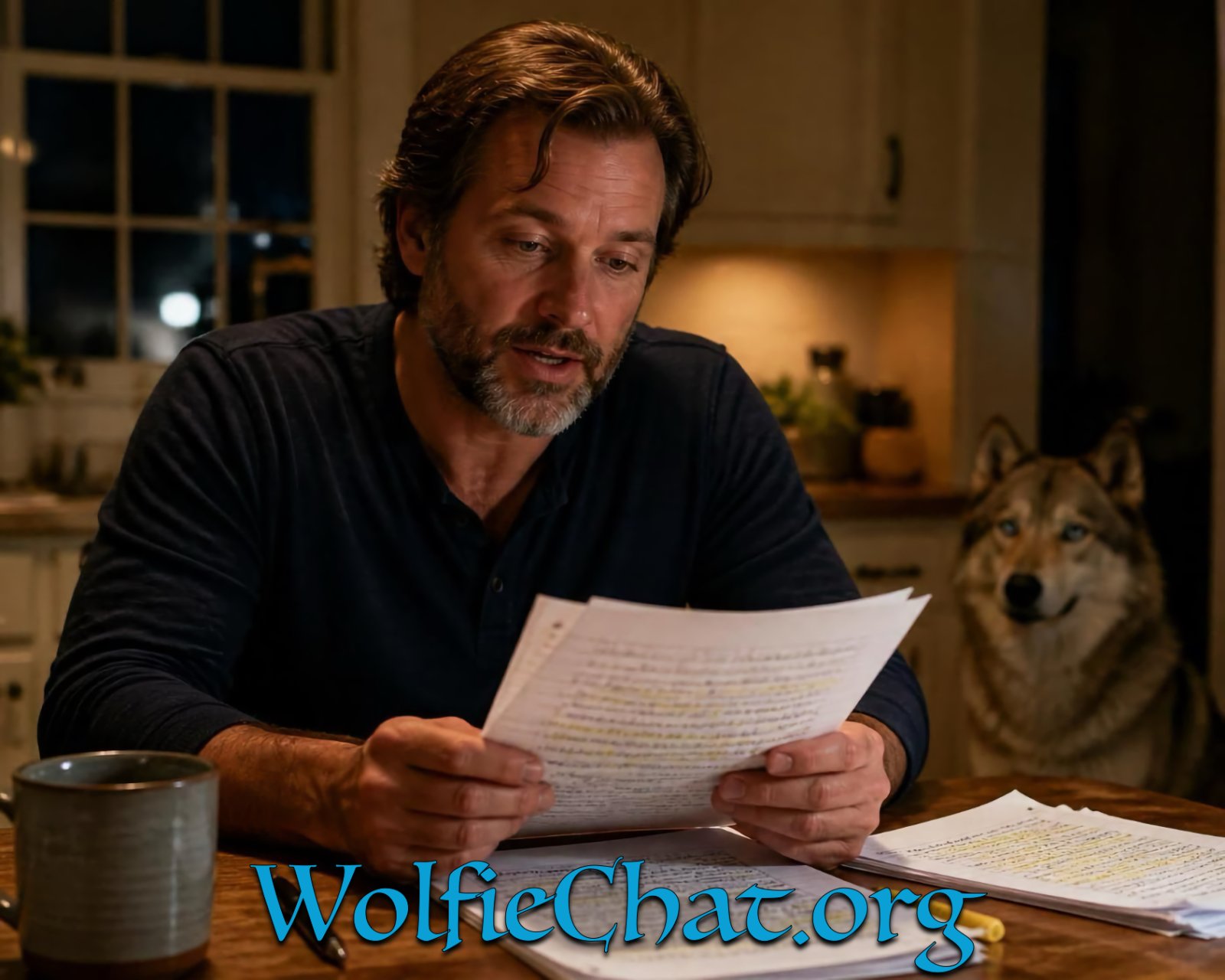
Start with your accounts. Use a password manager so every account has a unique password, one reused password can open your email, your cloud storage, and your writing app at once. Turn on two-factor authentication for your email and cloud storage first, since those are the keys to everything else. Use a separate email address for writing accounts so a breach in one area doesn't connect back to your real identity.
Secure Your Devices
Then handle your devices:
- Lock your laptop and phone with a passcode, and set them to lock automatically after a short idle period
- Turn on full-disk encryption, FileVault on Mac, BitLocker on Windows, and the built-in encryption on modern phones, so a stolen device doesn't hand over your files
- Use a private browser window for writing accounts on shared computers, and log out of cloud storage on any device you don't own
- Keep one offline backup on an external drive you control, stored somewhere separate from the device
- Review app permissions and revoke access for any writing or storage app you no longer use
Handle Shared Spaces and Shared Devices
Physical privacy matters as much as digital. In a shared home, a shared office, or a co-working space, the biggest exposure is often the screen itself. Sit with your back to a wall rather than a doorway, use a privacy screen filter on a laptop, and close the lid when you step away. Keep paper notebooks closed and stored out of sight rather than left open on a desk.
File organization helps too. Use consistent file naming so you know what's private at a glance, and back up on a schedule rather than when you remember.
ENTER HERE — Join Something Special! →
The Federal Trade Commission's consumer advice on protecting personal information covers the basics of account security in plain language, and the National Institute of Standards and Technology's cybersecurity resources offers plain guidance on evaluating how a service handles your data.
Step 5: Sharing Writing for Feedback Safely
Sharing writing for feedback safely means choosing readers before you choose platforms. The right reader at the right stage does more than a hundred comments from strangers.
Match the stage of your draft to the feedback:
| Draft Stage | Who to Share With | What to Ask For |
|---|---|---|
| Early draft | One trusted reader | Big-picture reactions only |
| Revised draft | Small critique group | Structure and pacing notes |
| Near-final | Beta readers | Line-level and clarity feedback |
| Ready to publish | Editor or proofreader | Final polish |
Send files directly to named readers instead of posting them publicly. Track who has what. If a draft changes, send the new version and say which one is current.
Setting Personal Boundaries Around Feedback
Boundaries protect your work and your energy. Set them before you share, not after someone oversteps.
- Say what kind of feedback you want up front
- Tell readers the draft is unfinished
- Ask them not to share the file further
- Decline feedback on pieces you're not ready to discuss
If someone pushes past a boundary, that's information. Share less with them next time.
AI Writing Tools Privacy: What Writers Need to Know
AI writing tools privacy is the question we hear most. The honest answer: it depends entirely on the platform's data policy.
Many mainstream AI platforms train their models on user conversations. That means your unpublished scenes and personal notes could feed a model you don't control. Some platforms let you opt out. Many don't make it obvious.
Before you paste a draft into any AI tool, check:
- Does the platform train on your inputs by default?
- Can you turn training off?
- Can you delete your conversation history?
- Does the company sell data to third parties?
This is where we built WolfieChat differently. We don't sell or monetize user data, and we have no venture capital or outside agenda pushing us toward it. Wolfie is a genuine creative partner for brainstorming and editing, and she speaks and teaches 6 languages. New members can try WolfieChat free for 7 days.
The National Institute of Standards and Technology's cybersecurity resources offers plain guidance on evaluating how a service handles your data.
Common Mistakes That Expose Private Writing
Most privacy failures come from small habits, not big breaches. Here are the ones we see most often.
Reusing passwords. One leaked password can open your email, your cloud storage, and your writing app at once.
Drafting in a shared document by default. Shared drives are convenient and visible. Keep private writing out of them.
Sharing a full manuscript too early. Early exposure invites feedback that shapes the work before it's ready. Share excerpts first.
Skipping backups. A lost draft is a privacy problem too, because recovery often means handing your files to a stranger.
Ignoring the app's data policy. A quick read of the privacy page tells you more than any review.
Leaving an account open on a shared device. Log out. Every time.
The U.S.
Keeping creative writing private is a habit, not a one-time setup.
That's exactly the environment we built WolfieChat to provide: a capped community of 10,000 citizens, no data selling, and a warm, direct creative partner who won't judge a rough draft. Wolfie can help with books, sermons, business profiles, and brainstorming, all inside private conversations that stay private.
Ready to draft without watching your back? Join WolfieChat and give your private writing the protection it deserves.
Frequently Asked Questions
How can I keep my unpublished writing private?
Start by separating drafts you never intend to share from work headed for publication, and store the private ones in an app with encryption and two-factor login. Give files neutral names so a folder listing reveals nothing, keep local backups on an encrypted drive, and avoid pasting unfinished work into free tools that may train on your text. Before you share anything, confirm exactly who can see it and whether the platform retains copies.
Can AI writing tools use my work to train their models?
Some can, depending on their terms and settings. Many mainstream platforms reserve the right to use submitted content for model improvement unless you opt out, and opt-outs vary by account tier. Check the data policy for three things: whether your input is used for training, how long it is retained, and whether you can delete it. Tools that state plainly they do not sell or train on your writing, like WolfieChat, remove the guesswork.
How do I share a draft for feedback without losing control of it?
Share a read-only link or a watermarked PDF rather than an editable file, and send it to named readers instead of posting it publicly. Keep a dated copy of what you sent so you can prove authorship if needed. Ask readers directly not to repost excerpts. For sensitive material, meet in person or use a private group rather than open forums where search engines index posts.
Is it possible to stay anonymous as an author?
Yes, and plenty of writers do it, though it takes planning. Use a pen name that is not tied to your legal identity, a separate email address, and a writing platform that does not display your real name. Avoid mentioning identifying details like your employer or hometown in public posts. If you later pursue traditional publication, tell your agent or editor early so your real identity stays confidential during marketing.