 blog
blog
AI Writing Tools for Pastors: A 2026 Guide
Table of Contents
- AI Writing Tools for Pastors: What Actually Helps
- AI Tools for Sermon Preparation: Matching the Tool to the Task
- ChatGPT Prompts for Pastors: What Works and What Doesn't
- From Sermon Notes to Discussion Questions: Turning AI Output into Group Material
- Responsible AI Use in Ministry: Privacy, Accuracy, and Pastoral Discernment
- Pricing, Free Tiers, and What You Actually Pay For
- Frequently Asked Questions
Last Updated: October 14, 2026
AI Writing Tools for Pastors: What Actually Helps
AI writing tools for pastors are software platforms that use generative AI to help with sermon preparation, Bible study, devotionals, and church communications.
The appeal is obvious. Sermon prep competes with hospital visits, staff meetings, and counseling sessions. A tool that drafts an outline or pulls cross-references can hand back an hour you didn't have.
But most guides skip the hard part: which tasks AI actually does well, and which ones still belong to you.
AI Tools for Sermon Preparation: Matching the Tool to the Task
Sermon preparation splits into distinct jobs, and each one calls for a different kind of help. Research and commentary access is one job. Outline and draft generation is another.
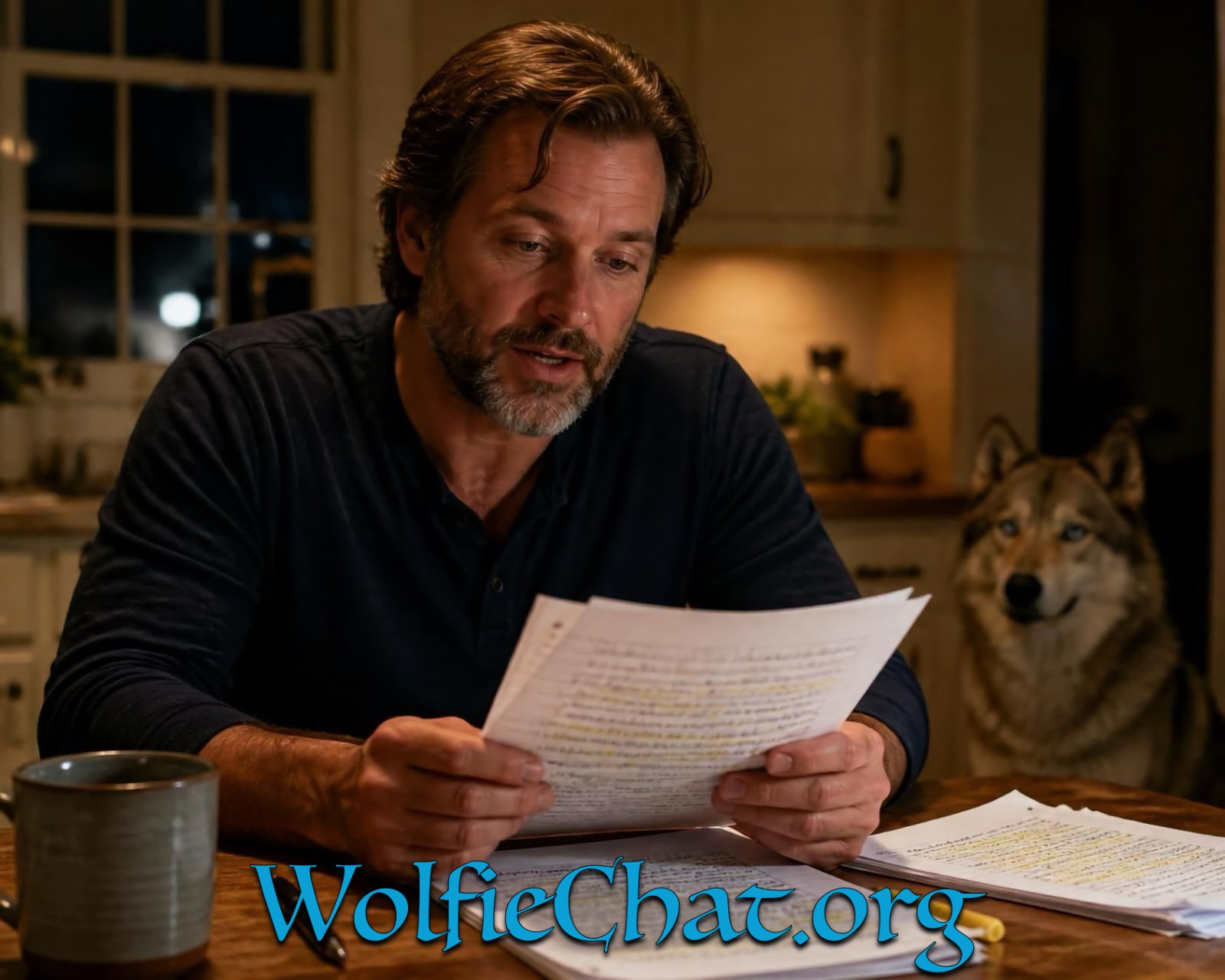
Research and Commentary Access
Use AI here as a starting point, not a source of truth.
Ask a tool to summarize the historical setting of a passage, list the major interpretive positions, or point you toward commentaries worth opening. Then open them yourself.
A common mistake is treating a chat response like a citation. It isn't. Always confirm a claim against a commentary, a study Bible, or the text itself before it reaches your notes.
Outline and Draft Generation
This is where AI saves the most time. Give the tool your passage, your main point, and your audience, and ask for three outline options. You'll usually reject two and reshape the third.
The draft it produces is scaffolding, not a sermon. Your illustrations, your congregation's context, and your voice are what make it preachable.
ChatGPT Prompts for Pastors: What Works and What Doesn't
Generic prompts produce generic sermons. The difference between a usable draft and a throwaway one usually comes down to four variables you control: the passage, the translation, your theological tradition, and the audience.
A useful prompt has a role, a task, a constraint, and a format. Compare these two:
- Weak: "Write me a sermon on faith."
- Strong: "You are a research assistant for an expository preacher. For Hebrews 11:1-6 in the ESV, give me three outline structures, each with a distinct main point, each supported by two cross-references, formatted as a numbered outline with the main point in bold."
The second prompt works because it tells the tool what seat to sit in, what text to use, what translation to quote, how many options you want, and how to lay them out.
Prompts That Earn Their Keep
- Historical and cultural background: "Summarize the historical setting of [passage] in under 200 words, then list three commentaries or study Bible notes I should check for a fuller treatment." The second half is the important part, it turns the model into a research librarian instead of an authority.
- Interpretive options: "List the major interpretive positions on [passage], the strongest argument for each, and the main weakness of each. Note which positions are outside historic orthodoxy." This is where a model can save you an hour in the commentary stack, provided you still open the commentaries.
- Illustration reframing: "Here is an illustration I use with a churched audience: [paste]. Rewrite it for a congregation where most people have no church background, and keep it under 150 words."
Prompts That Waste Your Time
- Asking for a finished, deliverable sermon. You will spend more time editing out the model's voice than you would have spent writing in your own.
- Prompts that skip your theological tradition. If you don't tell the tool you're Reformed, Wesleyan, Baptist, or Anglican, you'll get a lowest-common-denominator draft that sounds nothing like your church.
- Prompts that ask for statistics, dates, or quotations without a source. The model will produce them confidently and they will sometimes be wrong.
- Prompts that ask the tool to "be creative" with Scripture. It will paraphrase, and paraphrase drifts.
A Verification Workflow You Can Run Every Week
Treat every AI response as an unverified draft. Before anything reaches your notes, run it through four checks:
- Citation check. Every verse reference, quotation, and cross-reference gets opened in your Bible software or a physical Bible. Models routinely cite verses that say something adjacent to what they claim.
- Context check. Read the surrounding chapter. A verse that supports your point in isolation may not support it in context, and that is the mistake a congregation will remember.
- Translation check. If the model quotes a translation, confirm the wording against the publisher's text. Paraphrases get passed off as direct quotes more often than you'd expect.
- Doctrine check. Run the outline past your denomination's confessional standards or statement of faith. If your tradition has a catechism, a Book of Confessions, or a statement of faith, that document is your filter.
From Sermon Notes to Discussion Questions: Turning AI Output into Group Material
Turning a finished sermon into midweek small-group material is one of the highest-value uses of AI in ministry, because it multiplies Sunday's work without asking you to write anything new. But the output is only as good as what you feed it, and the questions are only as safe as the verification you run on them.
Feed It the Outline, Not the Transcript
Paste your finished outline, not the raw transcript. Transcripts are noisy, long, and full of verbal tics the model will faithfully reproduce.
A workable prompt looks like this: "Here is my sermon outline for [passage]. Write six open-ended discussion questions from this outline, two for each main point, aimed at adults with mixed Bible familiarity. Each question should reference a specific verse from the passage."
What Good Output Looks Like, and What to Fix
Review every question before it goes out. Three failure modes show up again and again:
ENTER HERE — Join Something Special! →
- Yes/no questions. The model defaults to closed questions ("Do you trust God?") that kill a group conversation. Rewrite them into "why" and "how" questions ("What makes trusting God difficult in your current season?").
- Leading questions. The model will sometimes smuggle your sermon's conclusion into the question, which turns discussion into a quiz. Rewrite so the group has room to arrive at the point themselves.
- Proof-texted questions. A question may cite a verse that does not actually support the point it's attached to. Open the passage and check before the question goes into the handout.
A Verification Pass for Group Material
Run every set of questions through the same four checks you'd run on a sermon outline:
- Verse check. Open each cited reference and confirm it says what the question implies.
- Context check. Read the surrounding paragraph. A question built on a verse ripped out of context will produce a discussion built on the same mistake.
- Doctrine check. Run the questions past your tradition's confessional standards. If a question implies a position your church does not hold, cut it.
- Tone check. Read the questions aloud. If any of them would land as an accusation in your particular congregation, rewrite it.
Beyond Discussion Questions
The same workflow extends to other midweek material:
- Devotional prompts. Ask for a five-day reading plan through the passage, one short reflection per day, each tied to a specific verse.
- Prayer prompts. Ask for prayer points drawn directly from the passage's themes, phrased so a group member can pray them aloud without editing.
- Leader notes. Ask for a one-paragraph background note on the passage that a volunteer small-group leader can read in two minutes before the meeting.
Responsible AI Use in Ministry: Privacy, Accuracy, and Pastoral Discernment
Responsible AI use in ministry means three things: protecting what people tell you, verifying what the tool tells you, and never outsourcing the pastoral call to software.
On accuracy, the workflow is simple. Every name, date, quotation, and cross-reference gets checked against a source you trust.
On discernment, the tool drafts and you decide. It doesn't know your congregation, your community, or the family walking through a hard season.
What Never Goes Into an AI Tool
Some material should never be uploaded, no matter how convenient the tool is.
- Counseling conversations and anything shared in confidence
- Names, addresses, health details, or financial information about members
- Safeguarding concerns or anything involving a minor
- Unpublished manuscripts or material you plan to sell
If you need help with a sensitive situation, describe it in the abstract. "A family is navigating a serious illness" gives you what you need. The name doesn't.
Pricing, Free Tiers, and What You Actually Pay For
Free tiers exist, and they're genuinely useful for testing whether AI fits your workflow. What they usually cost you is privacy.
Paid tiers generally buy three things: no training on your data, higher usage limits, and better handling of long documents like a full sermon manuscript.
At WolfieChat, we don't publish a rate card because plans depend on what you need.
When you're evaluating any tool, ask these five questions:
| Question | Why It Matters |
|---|---|
| Is my data used for training? | Determines whether confidential material is safe to enter |
| What's the usage limit on the free tier? | Free tiers often cap long-document handling |
| Can I export and delete my history? | You need a way out if you switch tools |
| Does it handle long manuscripts? | Sermon drafts and study guides run long |
| Who owns the output? | Affects anything you plan to publish |
ENTER HERE, Join Something Special
Frequently Asked Questions
Should pastors use AI to write sermons?
AI can assist with research, outlining, and drafting, but the sermon itself should reflect your study, prayer, and pastoral discernment. Use AI writing tools for pastors as a research partner, not a ghostwriter. The theological accuracy and application must come from you. Many pastors use AI to gather background, organize thoughts, and check for gaps, then write the final message themselves. This keeps the sermon authentic and grounded in your relationship with your congregation.
What should pastors avoid sharing with AI tools?
Never share confidential pastoral care details, counseling notes, member health information, financial giving records, or anything shared in confidence. Also avoid unpublished sermon manuscripts if the platform's data policy allows training on your input. Before using any AI tool, read its privacy policy and confirm it does not sell or monetize your data. If a tool cannot clearly state how it handles your information, treat it as unsuitable for ministry use.
How can pastors check AI-generated content for biblical accuracy?
Always verify AI output against your primary sources: the biblical text in its original context, trusted commentaries, and your denomination's doctrinal statements. AI can generate plausible-sounding but incorrect references, misattribute quotes, or miss theological nuance. Cross-check every Scripture citation, confirm the translation being used, and run any theological claims past a colleague or denominational resource. Treat AI output as a first draft that requires your review, not a finished product.
How can pastors use AI to turn sermon notes into discussion questions?
Paste your sermon outline or key points into an AI tool and ask it to generate open-ended questions that move from observation to application. For example, prompt it to create questions that ask what the passage says, what it means, and how it applies to daily life. AI discussion questions from sermon notes work best when you review and adjust them for your specific congregation. The tool handles the formatting; you handle the pastoral sensitivity and theological framing.